That's what my mother said the first time she used an AI chat assistant I set up for her.
My mother lives alone in Japan. She's 84 and has been diagnosed with mild cognitive impairment. Her reasoning and conversation are still intact, but her memory is unreliable, and her anxiety can be intense. She often asks the same questions again and again — not because she doesn't understand the answer, but because she needs reassurance.
"Is today Thursday?" "The hospital is the second station from here, right?"
She may ask the same question five times in a row. What she needs each time is the same calm reassurance. That's what led me to try conversational AI.
Why not ChatGPT
At first, I planned to use ChatGPT. But when OpenAI announced plans to introduce ads, I hesitated. Showing ads to seniors — especially ads that are not clearly distinguishable from the AI's response — felt like a serious risk. In a caregiving context, ads are not a feature. They're a liability.
So I chose Gemini instead.
Voice input, text output
Both ChatGPT and Gemini promote real-time voice conversations — like a phone call. But in practice, this is hard for seniors. The responses are often too long. The speaking speed is too fast. And the turn-taking doesn't always match human conversation.
For my mother, this felt overwhelming.
So instead, I set it up this way: she speaks using the microphone, and the AI responds in text. Speaking is easier than typing. But reading the response at her own pace makes it much easier to understand — and she can go back and read it again, as many times as she needs.
The UI details that matter
In ChatGPT, when you tap the microphone, you can pause mid-sentence, take a breath, and continue speaking before sending. That flexibility makes it easier to think while talking. But the control flow can be confusing — the icon changes from a microphone to a checkmark, and then you have to confirm and send. For someone unfamiliar with this pattern, the shifting icons are hard to follow.
Gemini is simpler. You tap the microphone to start speaking, and tap the same icon again to stop. The meaning is consistent. But once you stop, you can't continue the same input. If you hesitate or lose your train of thought, you have to start over.
These may sound like small details. But for seniors, they matter a lot. It's not just about voice vs. text. It's about whether the interface allows them to think, pause, and continue at their own pace — without getting lost.
She cried
My mother read the AI's responses again and again, sometimes revisiting the same exchange from the day before. Being able to return to the text — to re-read, to reassure herself — seemed just as important as the answer itself.
She even cried a little.
"It feels like talking to a person — kinder than most people."
Ge-miaow
We gave the app a cat icon on her Mac and called it "Ge-miaow" — a play on Gemini and the Japanese word for a cat's meow.
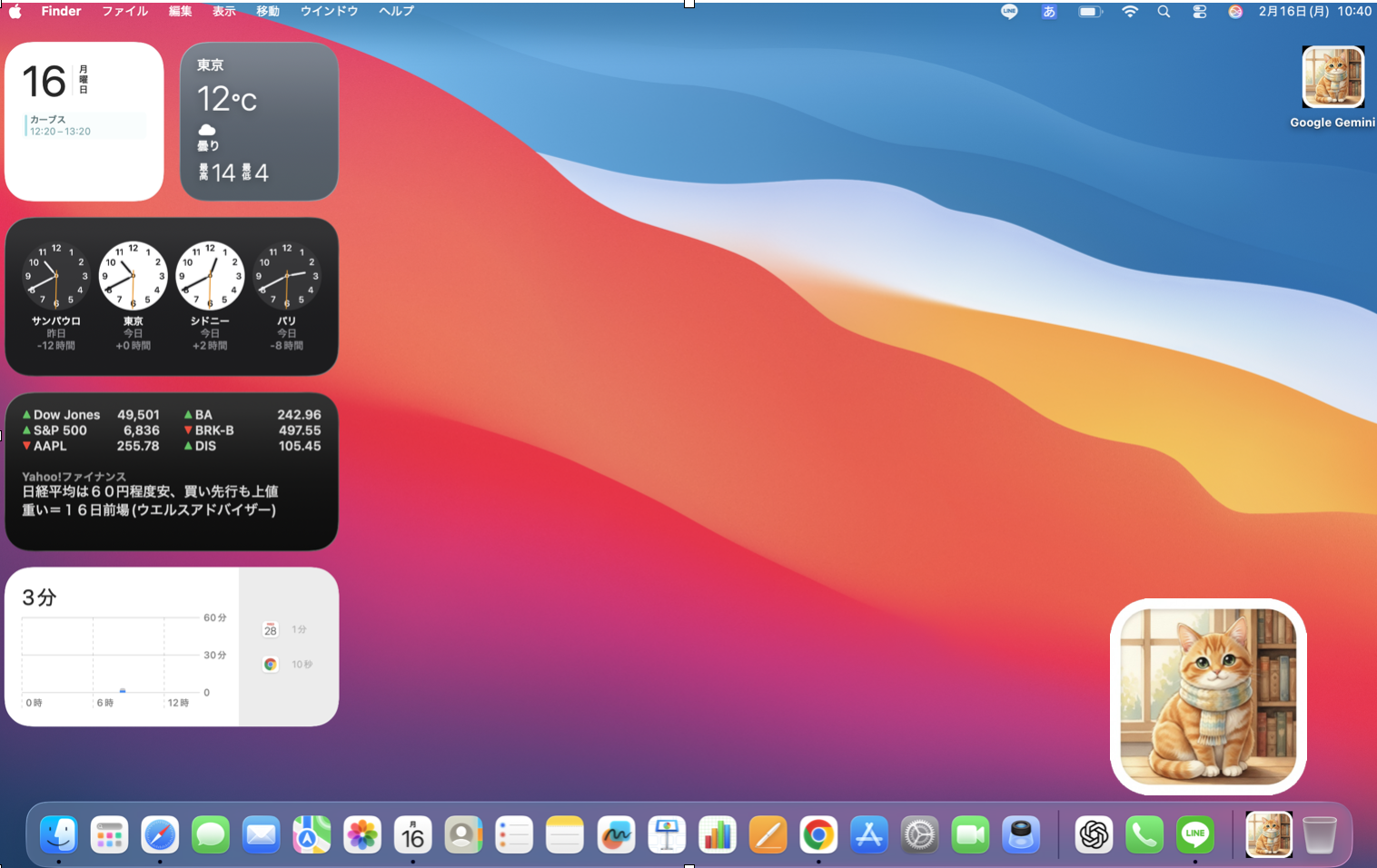
It's the only app she can recognize instantly — and the only one she's happy to open.
Four weeks later
After four weeks, she still doesn't want to use it on her own. She says it feels "scary."
Even when the experience is positive, trust and independence don't appear at the same time. Right now, she is comfortable using it together with me. That, in itself, is already meaningful.
What this tells us about UX
Many AI guidelines avoid personification. In senior care contexts, however, human cues can be exactly what make a tool approachable and reassuring.
For older adults, what matters is that AI feels a bit human. That doesn't mean smarter answers. It means pace, clarity, and trust.
Conversational AI for seniors isn't just about intelligence. It's about designing interactions that people can return to, repeat, and rely on.
For users who need reassurance, not just answers — the interface is the experience.